Concept Prototype
Rotary Dial Controlled Exhibition Experience
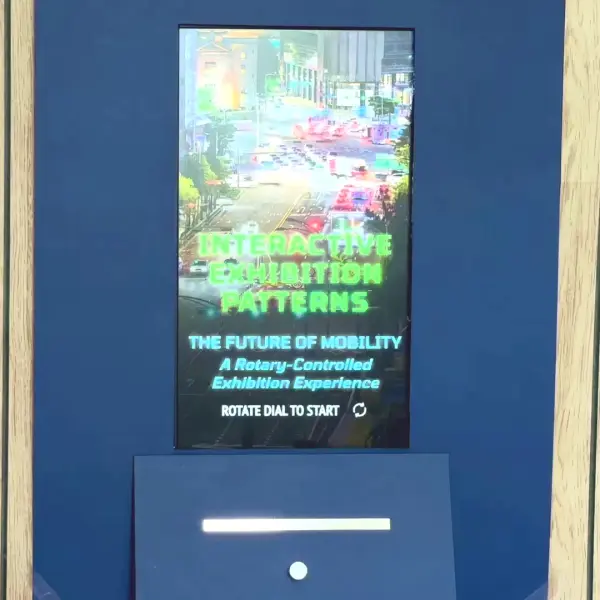
A rotary-controlled interactive exhibition concept demonstrating different ways physical controls can be used to navigate and explore digital content.
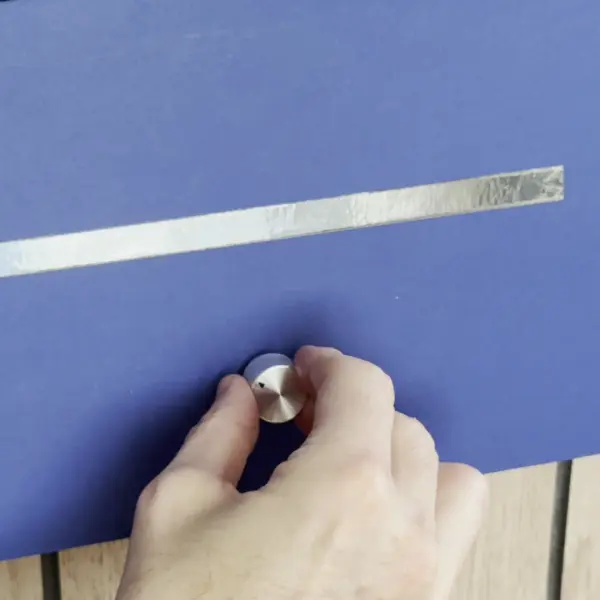
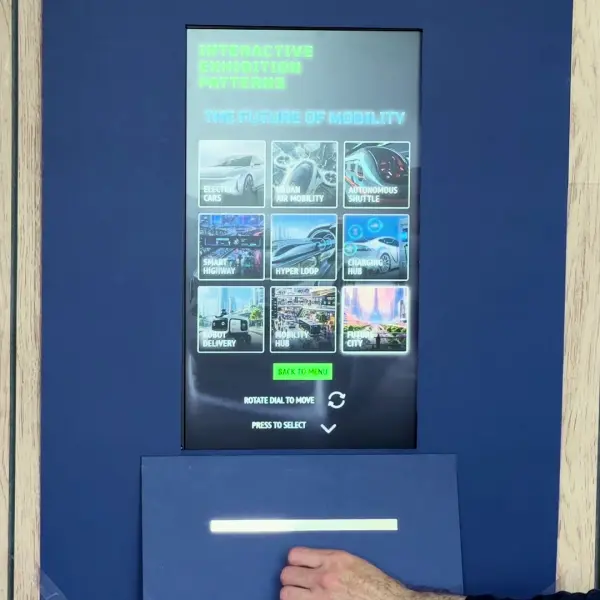
Visitors rotate and press a tactile dial to browse collections, navigate timelines and reveal interactive visual content through a series of intuitive interaction patterns.
How It Works
Designed for exhibitions, museums, visitor attractions and brand experience environments, this concept uses a physical rotary dial to provide an intuitive alternative to traditional touchscreen menus and navigation.
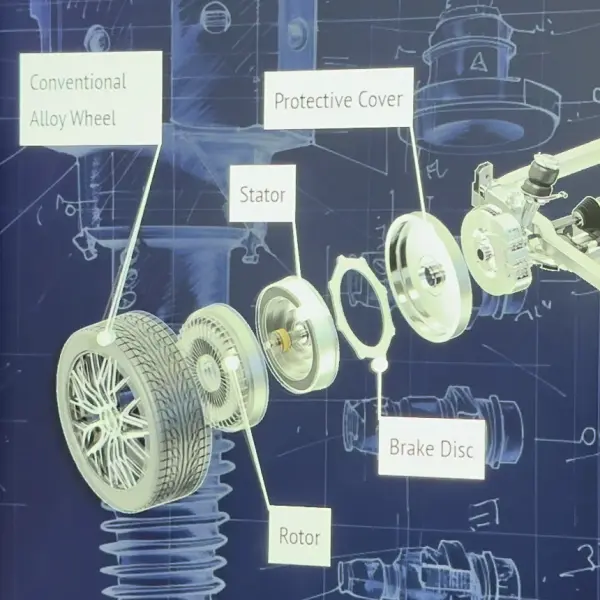
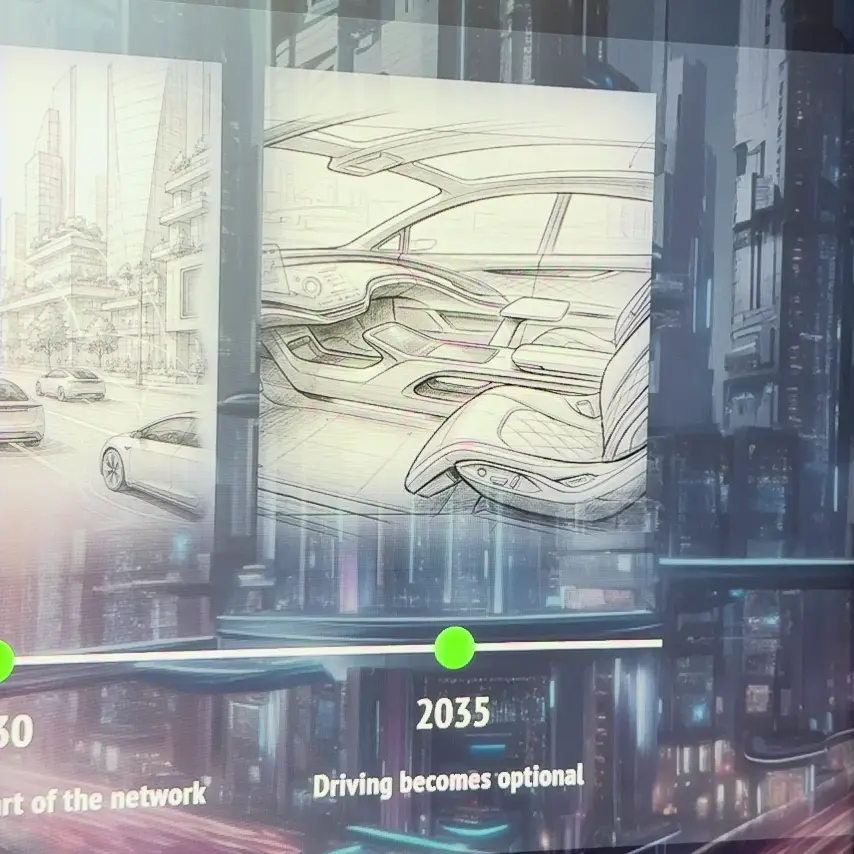
Visitors rotate the dial to move through content and press it to make a selection. The same simple interaction is used across different sections of the experience, from exploring content and navigating timelines to revealing information and progressively separating components in an exploded view.
By combining a familiar physical control with digital content, the interaction feels tactile and engaging and gives visitors a clear sense of control over the experience.
While demonstrated using a future mobility theme, the same interaction model could be applied to a wide range of exhibition subjects, products, collections and interactive installations.
The physical dial replaces traditional touchscreen menus, becoming the navigation system for a more intuitive and engaging way to explore digital content.
Suitable For
- Retail showrooms
- Trade exhibitions
- Product launch events
- Museum exhibit interaction
Why It Works
- Encourages physical interaction in busy environments
- Easier for all age groups than touch gestures
- Draws attention from a distance
Technical Summary
- Physical dial controller
- Web-based front-end with custom interactive interface
- Designed for kiosk and exhibition deployment
More Technical Information
- The physical rotary dial provides both rotational input and a push-button action, allowing visitors to navigate through content and make selections
- The dial itself can be a standard off-the-shelf item, or custom made to fit in with the surrounding kiosk
- A rotary encoder connected to a Raspberry Pi Pico detects the dial movements and button presses, sending the interaction data to the web-based interface via USB
- A lightweight API layer acts as a bridge between the hardware and front-end application, translating the physical controls into interface actions and enabling the experience to respond in real time